 Prediction
Polymarket 5-Minute 99¢ Pro
Automated late-stage entries for five-minute prediction markets when a selected outcome trades near $0.99.
Overview
The 99¢ Pro watches five-minute Polymarket markets and waits until an outcome reaches your trigger — typically $0.99 — then validates remaining time, available liquidity, spread, and your maximum accepted price before submitting.
Winning shares redeem at $1.00 under venue settlement rules, locking a gross spread of about $0.01 per share. Automation makes monitoring many simultaneous markets practical while strict filters enforce exposure limits, price confirmation, and fill policy.
Highlights
How the Strategy Works
- 1
Monitor the board
Stream five-minute prediction markets and their order books continuously.
- 2
Wait for the trigger
Arm entries only when an outcome touches your configured price, e.g. $0.99.
- 3
Validate conditions
Check time remaining, book depth, spread, and price stability across several checks.
- 4
Submit the order
Place a limit-order style entry within your maximum accepted price and exposure cap.
- 5
Ride to settlement
Track resolution status and record the realized result for each position.
See the bot in action
Explore the monitoring, configuration, and execution interfaces included with Polymarket 5-Minute 99¢ Pro.
 Screenshot 1
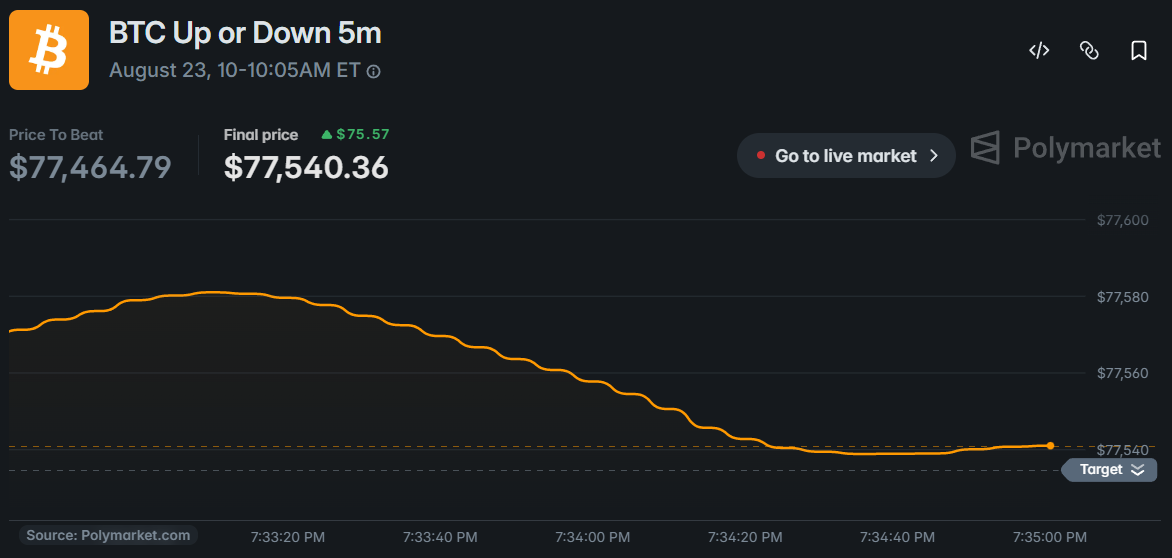
Five-Minute Market Monitor
Live prediction-market monitoring with price, spread, liquidity, and expiration information.
 Screenshot 2
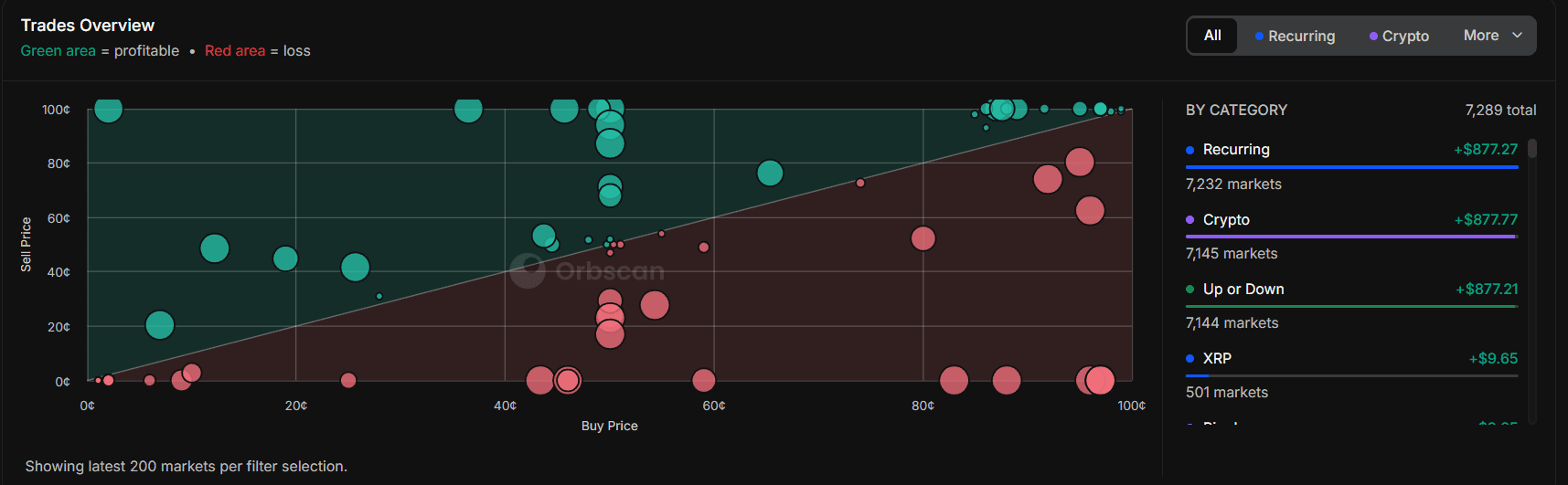
99¢ Entry Configuration
Configure target price, time remaining, maximum spread, order size, and price confirmation.
 Screenshot 3
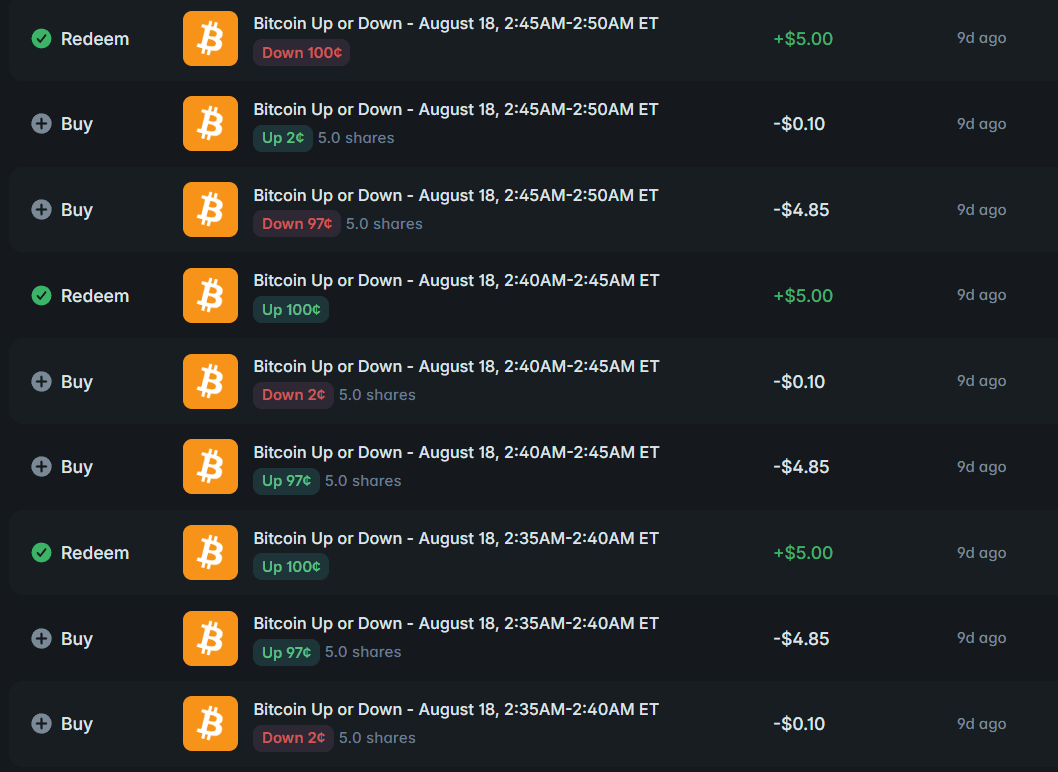
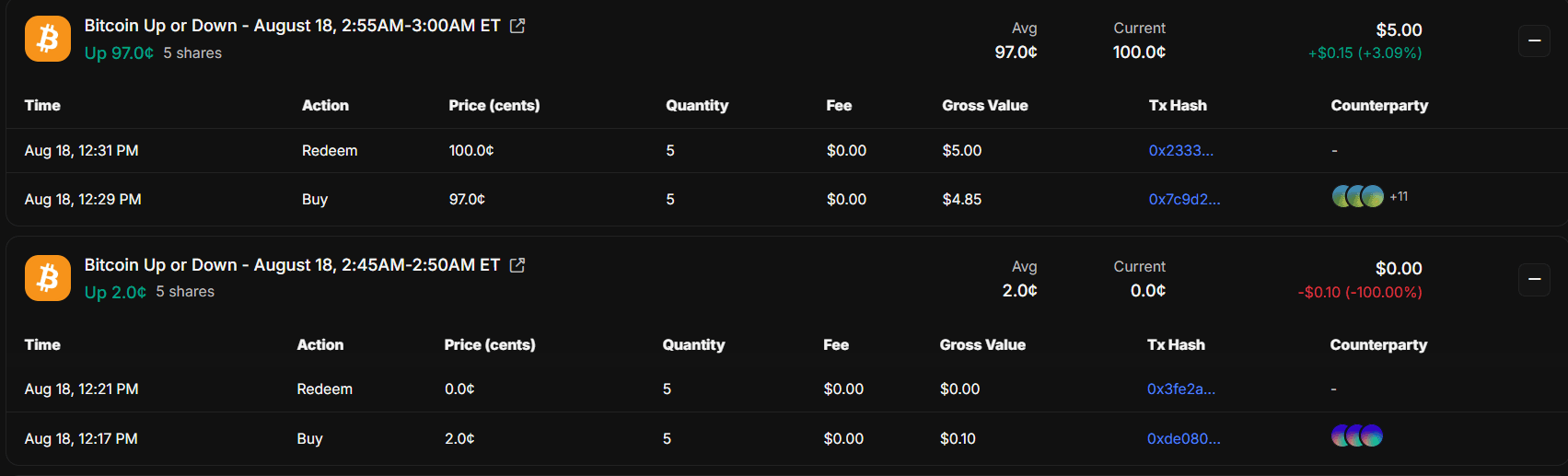
Settlement Results
Review entries, fills, settlement states, costs, and realized results from one dashboard.
Realized Profit (24h)
$0Opportunities Scanned
0Win Rate
0%Payoff Example (before fees)
| Item | Amount |
|---|---|
| Entry price | $0.99 |
| Winning settlement value | $1.00 |
| Maximum gross gain | $0.01 per share |
| Loss if the purchased side loses | Up to $0.99 per share |
Entry Conditions
| Condition | Description |
|---|---|
| Target price | Default example: $0.99 |
| Time remaining | Enter only within a selected expiration window |
| Maximum spread | Avoid unusually wide order books |
| Minimum liquidity | Require depth for the intended order |
| Price confirmation | Optionally require stable prints across checks |
| Maximum exposure | Restrict capital allocated to one market |
| Fill policy | Limit-order or supported execution behavior |
Install and configure the bot
Preview the complete installation workflow. Follow each step in order and validate the bot in paper mode before enabling live execution.
0 of 7 steps complete
Configure your .env file
Add these values to the included environment file. Keep wallet credentials and API secrets private.