 Arbitrage
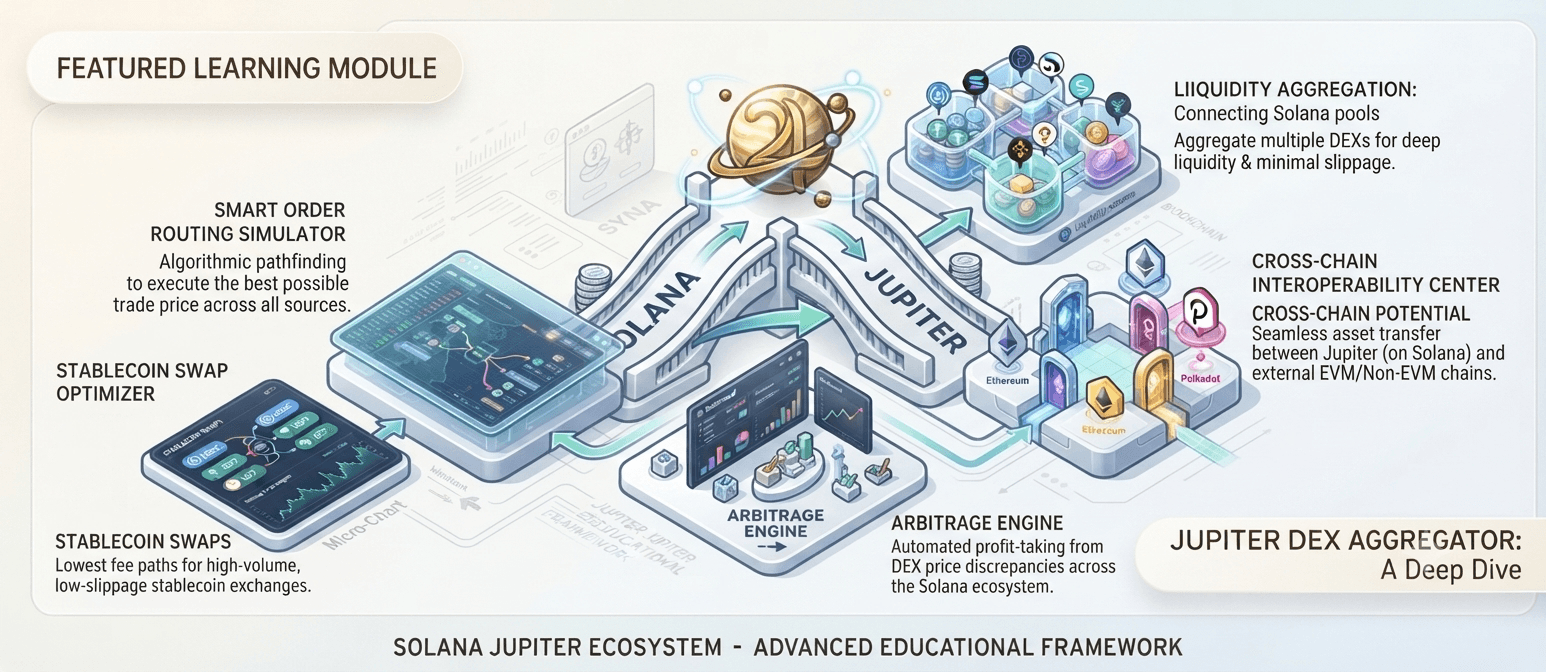
Solana DFlow Atomic Arbitrage Bot
Search DFlow routes for SOL-based cyclic opportunities and execute supported swap legs in one transaction without deploying a custom contract.
Overview
Uses DFlow routing data to find SOL round-trip cycles, constructing supported swap instructions into a single transaction when profitability checks pass.
An optional authorized DFlow API key ($500, if available) unlocks limited-access endpoints. Transaction simulation, quote-expiration blocks, and RPC failover keep execution resilient.
Highlights
How the Strategy Works
- 1
Request route data
Poll DFlow endpoints for current routing information.
- 2
Calculate round trip
Measure cycle output against your starting SOL and all fees.
- 3
Simulate first
Detect likely failures before spending network fees.
- 4
Enforce risk gates
Apply slippage, price-impact, allowlist, and quote-age limits.
- 5
Submit or stand down
Fire only when every configured condition is satisfied.
See the bot in action
Explore the monitoring, configuration, and execution interfaces included with Solana DFlow Atomic Arbitrage Bot.
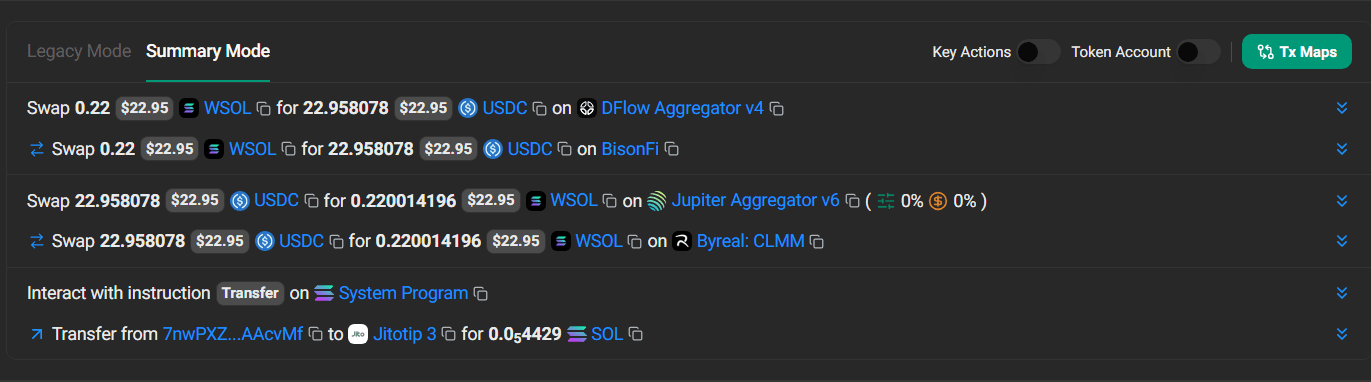
 Screenshot 1
DFlow Route Monitor
Monitor supported DFlow routes for SOL-based cyclic pricing differences.
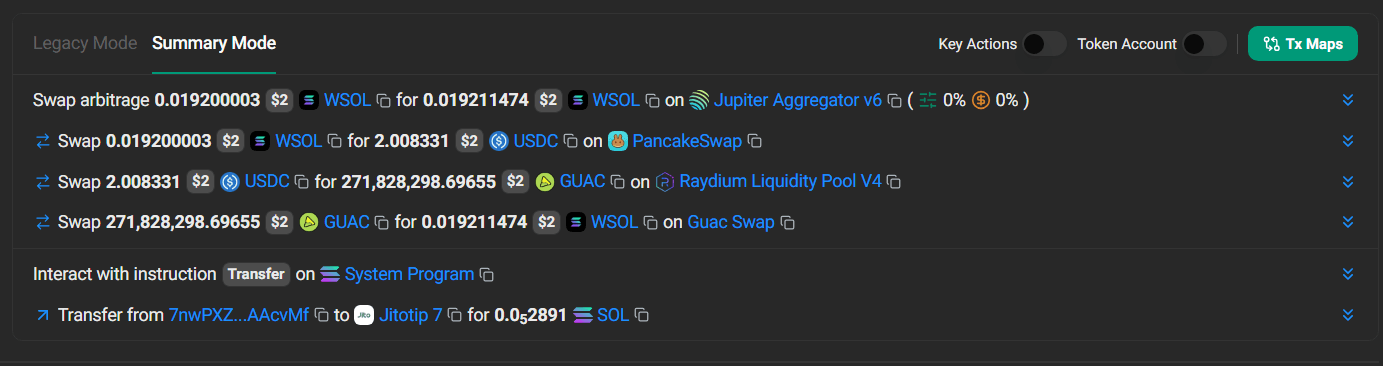
 Screenshot 2
Execution Risk Controls
Configure quote expiration, price impact, token allowlists, and daily fee limits.
 Screenshot 3
RPC and API Status
Review DFlow access, RPC health, transaction simulation, and endpoint failover status.
Realized Profit (24h)
$0Opportunities Scanned
0Win Rate
0%Example Cycle
| Stage | Asset Flow |
|---|---|
| Starting balance | 10 SOL |
| First route | SOL → Token X |
| Return route | Token X → SOL |
| Required result | More than 10 SOL after estimated costs |
Optional DFlow API Access
| Item | Details |
|---|---|
| API access price | $500 per authorized key, if available |
| Availability | Limited; not guaranteed |
| Public access | May not be available to the general public |
| Activation | Subject to provider authorization and terms |
| Transfer | Must be permitted by the provider |
| Bot inclusion | Key sold separately unless stated otherwise |
Risk Controls
| Control | Purpose |
|---|---|
| Minimum net profit | Requires sufficient expected return |
| Transaction simulation | Detects likely failures pre-submission |
| Quote expiration | Blocks stale route data |
| Maximum price impact | Avoids high-impact routes |
| Token allowlist | Restricts cycle assets |
| Daily fee limit | Caps spend on failed attempts |
| RPC failover | Improves reliability during outages |
Install and configure the bot
Preview the complete installation workflow. Follow each step in order and validate the bot in paper mode before enabling live execution.
0 of 7 steps complete
Configure your .env file
Add these values to the included environment file. Keep wallet credentials and API secrets private.