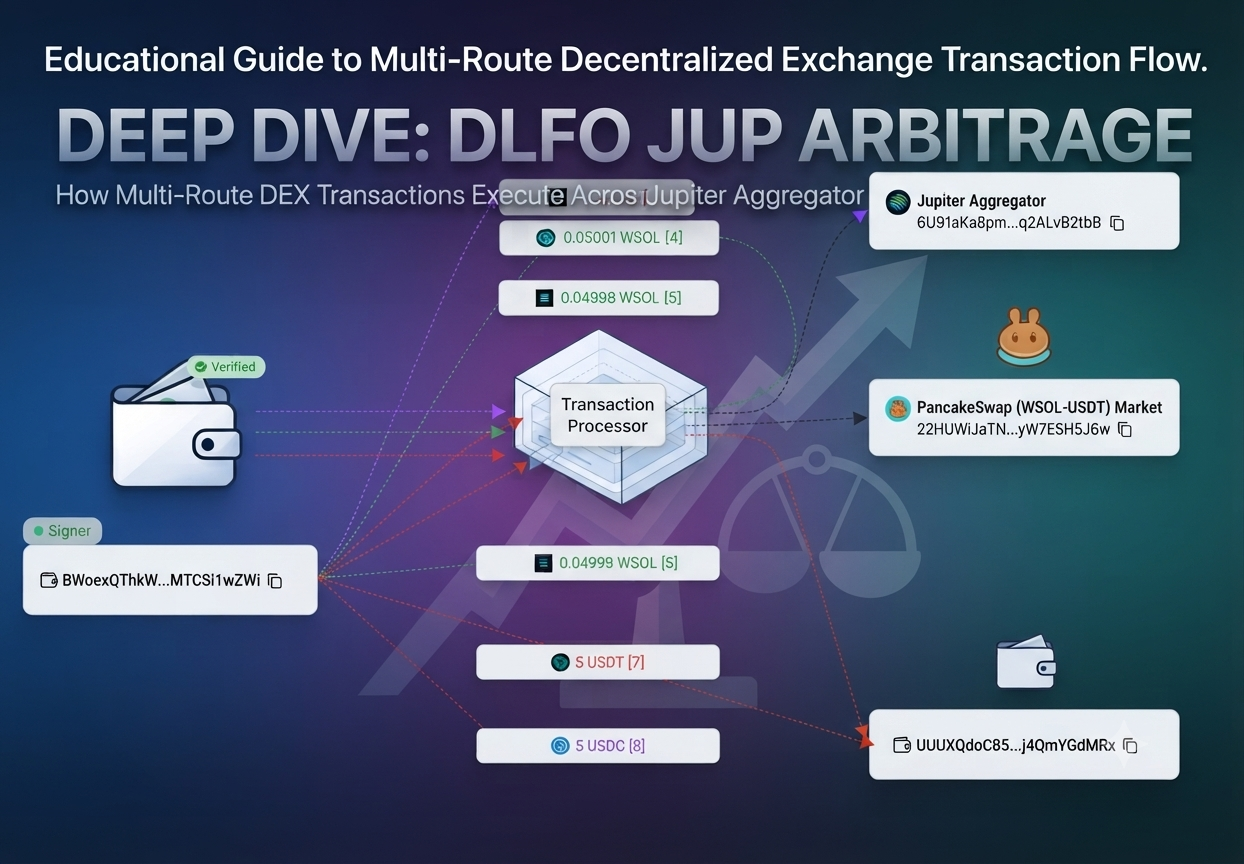
 Arbitrage
Solana Jupiter × DFlow Router Arbitrage Bot
Combine Jupiter and DFlow swap routes to search for SOL-to-SOL round-trip pricing inefficiencies without deploying a custom contract.
Overview
Pairs Jupiter and DFlow swap routes to hunt SOL-to-SOL round trips: swap into an intermediate asset on one router, back to SOL on the other, profiting when the loop closes above the starting balance after costs.
No custom contract is required — supported legs compose from router instructions. Stale quotes, excessive price impact, and thin routes are rejected before submission, never after.
Highlights
How the Strategy Works
- 1
Scan dual routers
Request fresh Jupiter and DFlow quotes across approved intermediates.
- 2
Assemble the loop
Compose SOL → Token X via one router and Token X → SOL via the other.
- 3
Cost the round trip
Estimate network, platform, and priority fees against the projected output.
- 4
Gate on net profit
Proceed only if estimated net profit clears your configured minimum.
- 5
Submit atomically where possible
Compose both legs into one transaction when route support allows.
See the bot in action
Explore the monitoring, configuration, and execution interfaces included with Solana Jupiter × DFlow Router Arbitrage Bot.
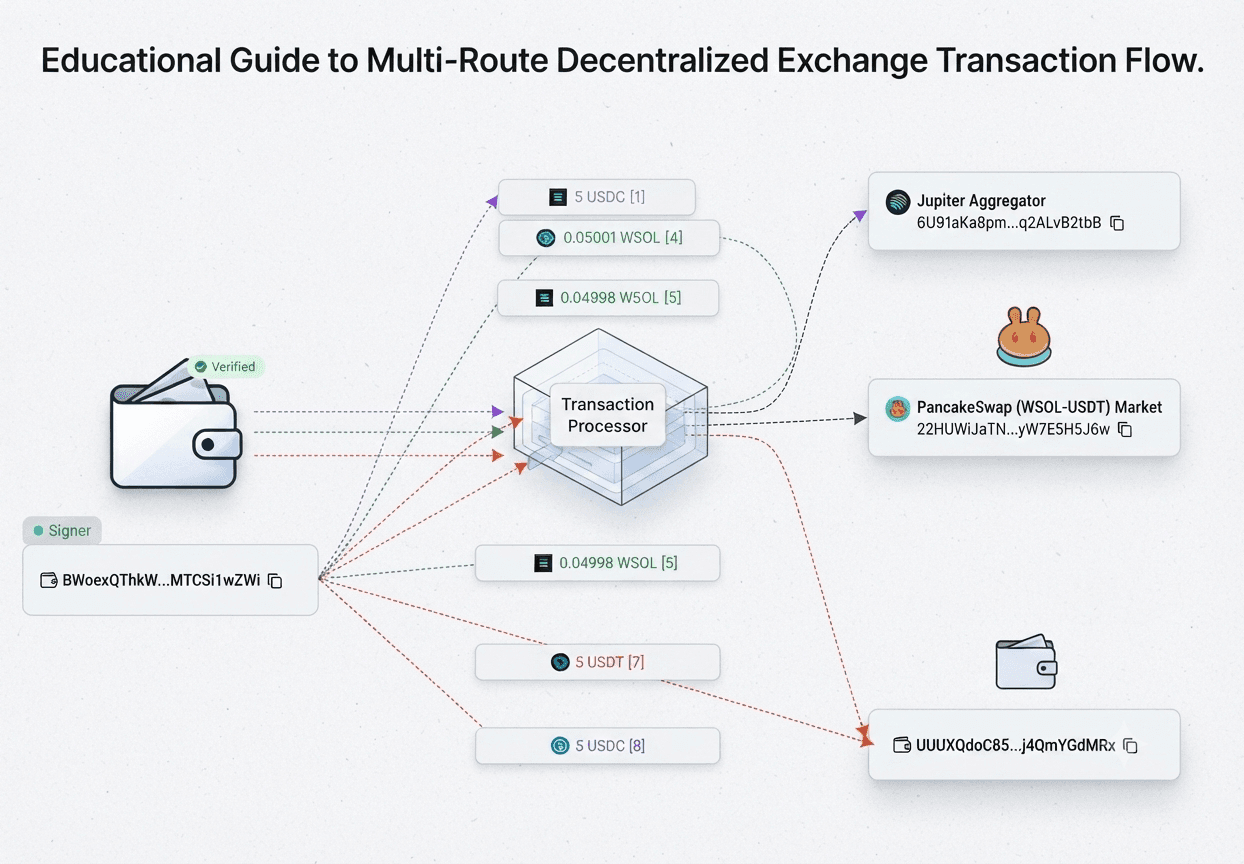 Screenshot 1
Dual-Router Scanner
Compare Jupiter and DFlow quotes across approved intermediate assets.
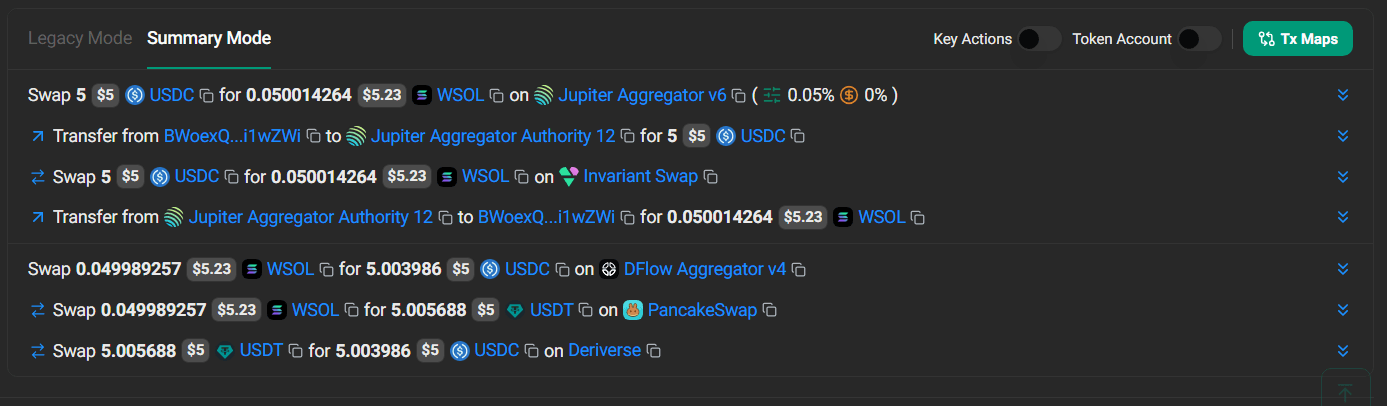 Screenshot 2
SOL Round-Trip Builder
Build SOL-to-token-to-SOL routes using liquidity from both supported routers.
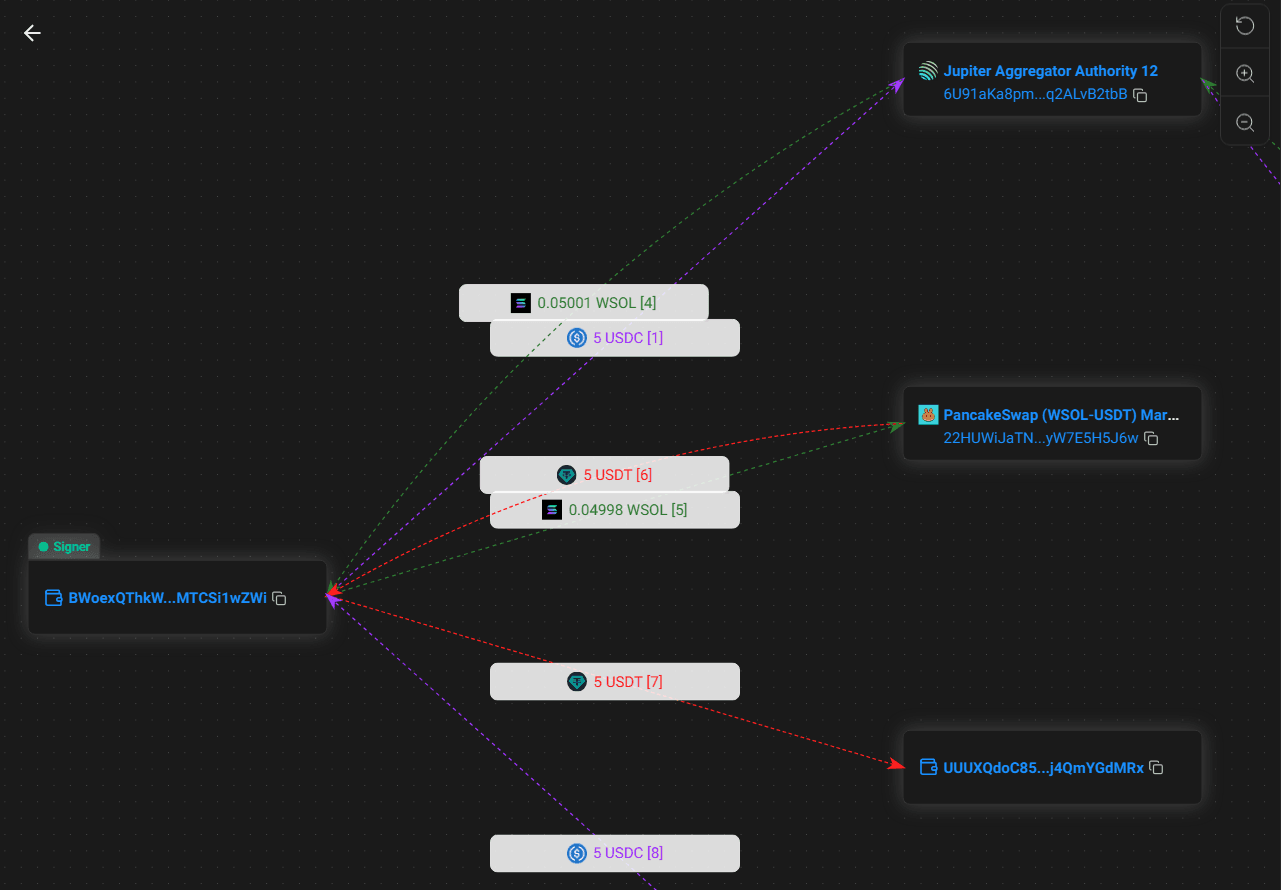 Screenshot 3
Pre-Execution Profit Check
Evaluate quote age, fees, priority costs, price impact, slippage, and expected net output.
Realized Profit (24h)
$0Opportunities Scanned
0Win Rate
0%Core Settings
| Setting | Description |
|---|---|
| Starting SOL amount | Capital allocated to each route |
| Intermediate tokens | Approved assets the bot may route through |
| Minimum net profit | Required expected profit after estimated costs |
| Maximum price impact | Rejects routes with excessive market impact |
| Slippage tolerance | Limits unfavorable execution changes |
| Priority fee | Controls transaction prioritization |
| Quote age | Rejects quotes older than the configured limit |
| Token allowlist | Prevents routing through unknown assets |
Install and configure the bot
Preview the complete installation workflow. Follow each step in order and validate the bot in paper mode before enabling live execution.
0 of 7 steps complete
Configure your .env file
Add these values to the included environment file. Keep wallet credentials and API secrets private.