 Arbitrage
Polymarket 5-Minute Complementary-Outcome Arbitrage Bot
Monitor UP and DOWN order books and enter both outcomes when the combined executable cost is below the potential settlement value.
Overview
This bot monitors both complementary outcomes — UP and DOWN — and computes the real executable cost from order-book depth. When one share of each side costs less than the expected $1.00 settlement, an arbitrage window opens.
Displayed best prices alone are never trusted: the bot confirms depth, matched quantities, fee drag, and market cutoffs. Orders fire only when the estimated net edge exceeds your configured minimum, with partial-fill handling to rebalance unmatched legs.
Highlights
How the Strategy Works
- 1
Stream both books
Watch UP and DOWN order books simultaneously for pricing imbalances.
- 2
Compute executable cost
Walk depth to price the true cost of filling your matched size.
- 3
Verify net edge
Subtract estimated fees and slippage; require a positive minimum edge.
- 4
Fire matched orders
Submit both legs with balanced quantities and a bounded leg delay.
- 5
Handle exceptions
Cancel, rebalance, or hedge incomplete orders via the partial-fill handler.
- 6
Record settlement
Log which side wins and reconcile redemption status per venue rules.
See the bot in action
Explore the monitoring, configuration, and execution interfaces included with Polymarket 5-Minute Complementary-Outcome Arbitrage Bot.
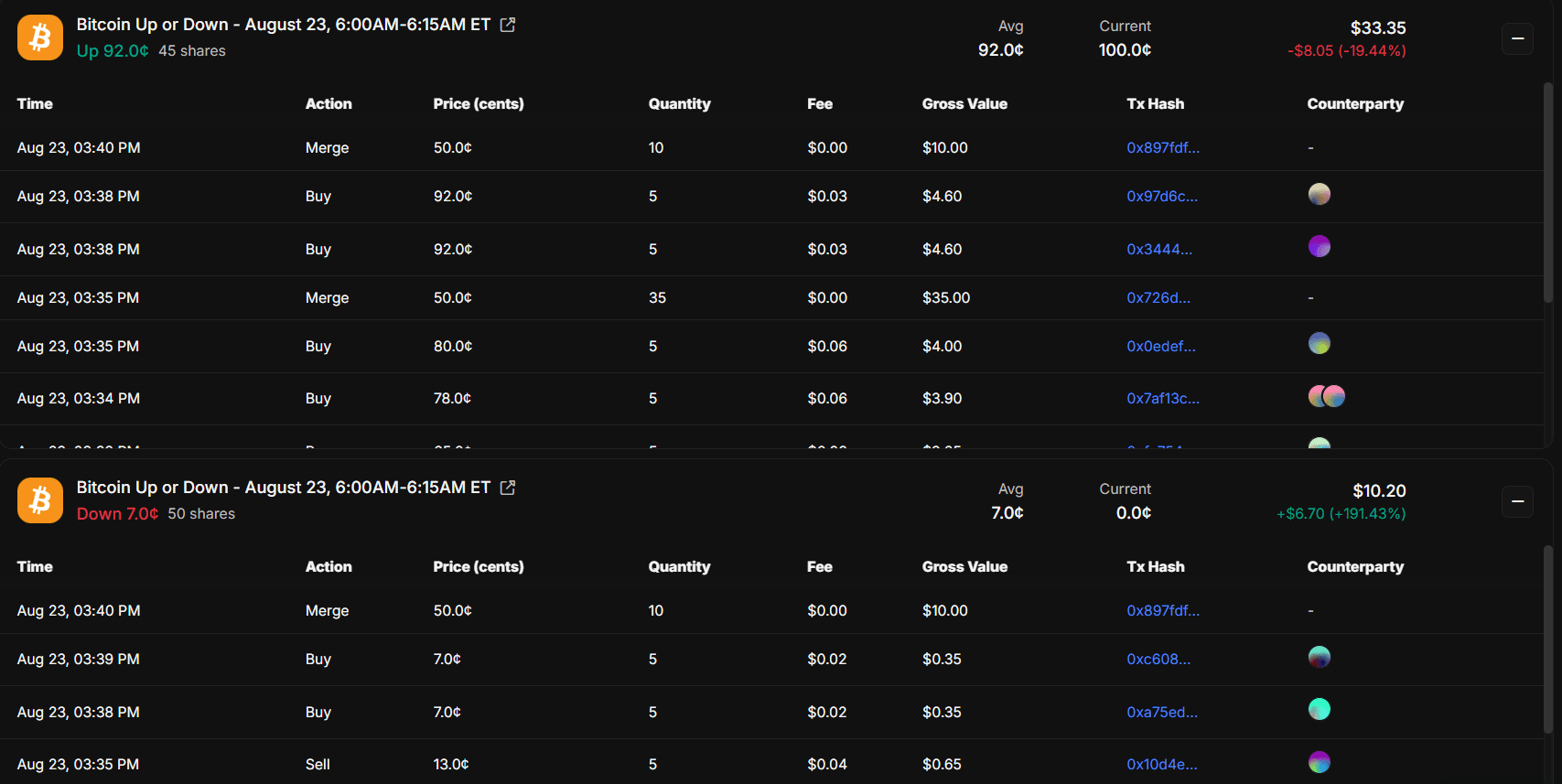 Screenshot 1
Complementary Order Books
Monitor executable UP and DOWN prices with available depth and matched quantities.
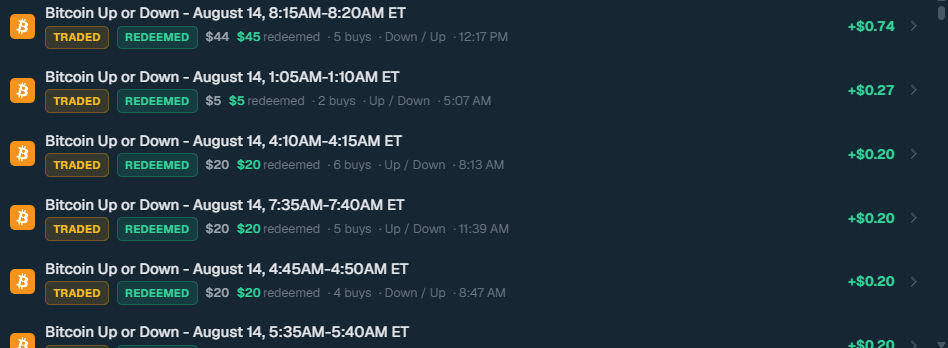 Screenshot 2
Net Edge Calculator
Calculate combined cost, estimated fees, slippage, and projected net edge before execution.
Realized Profit (24h)
$0Opportunities Scanned
0Win Rate
0%Worked Example
| Outcome | Purchase Price |
|---|---|
| UP | $0.47 |
| DOWN | $0.50 |
| Combined cost | $0.97 |
| Expected combined settlement value | $1.00 |
| Gross theoretical edge | $0.03 |
Risk & Execution Controls
| Control | Purpose |
|---|---|
| Minimum net edge | Reject opportunities with insufficient expected return |
| Matched quantity | Keep UP and DOWN share counts balanced |
| Maximum leg delay | Limit the time between the two fills |
| Partial-fill handler | Cancel, rebalance, or hedge incomplete orders |
| Order-book depth check | Confirm quoted prices hold for full size |
| Market cutoff | Stop entries too close to expiration |
| Exposure limit | Restrict maximum capital per market |
Install and configure the bot
Preview the complete installation workflow. Follow each step in order and validate the bot in paper mode before enabling live execution.
0 of 7 steps complete
Configure your .env file
Add these values to the included environment file. Keep wallet credentials and API secrets private.