 Arbitrage
Solana Jupiter Atomic Route Arbitrage Bot
Discover cyclic Jupiter routes that begin and end in SOL and execute supported swaps within a single Solana transaction.
Overview
Scans aggregated Jupiter routes for cycles that begin and end in SOL — SOL → USDC → Token X → SOL — where projected output beats input after impact and fees.
Where route construction permits, every leg composes into one atomic transaction: either the full cycle succeeds or state reverts. Minimum-output constraints protect against unfavorable fills, though failed transactions may still cost network fees.
Highlights
How the Strategy Works
- 1
Enumerate routes
Query Jupiter aggregations for cyclic SOL pairs continuously.
- 2
Project the output
Compute final SOL versus input across every hop.
- 3
Subtract true costs
Account for price impact, platform fees, priority and compute costs.
- 4
Check quote freshness
Discard quotes older than your staleness threshold.
- 5
Send atomically
Submit one transaction with minimum-output protection on the closing leg.
See the bot in action
Explore the monitoring, configuration, and execution interfaces included with Solana Jupiter Atomic Route Arbitrage Bot.
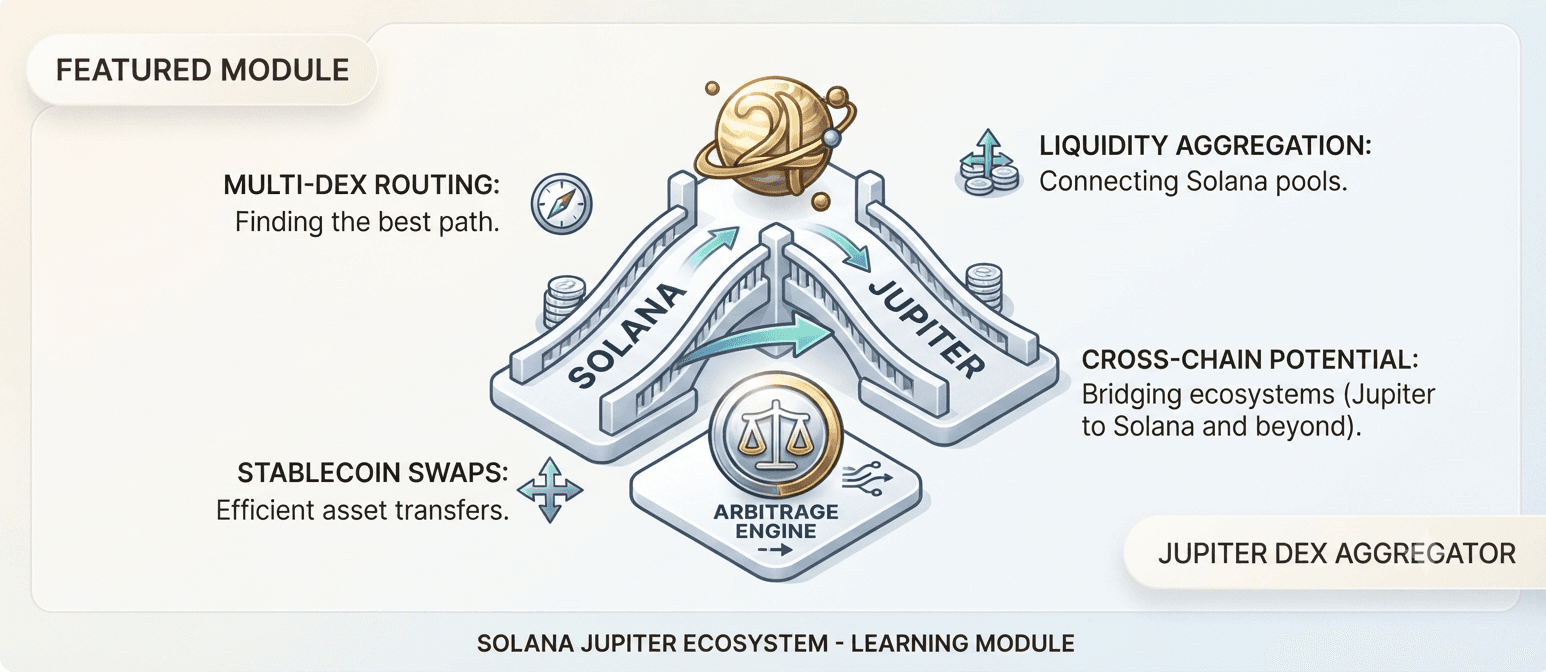 Screenshot 1
Jupiter Cycle Scanner
Discover Jupiter routes that begin and end in SOL across multiple supported liquidity sources.
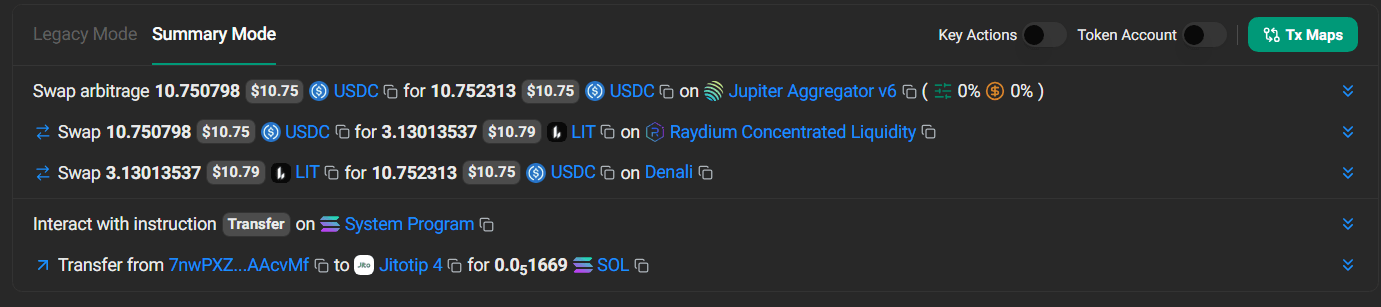 Screenshot 2
Atomic Transaction Builder
Compose supported route instructions into a single Solana transaction.
 Screenshot 3
Route Simulation
Simulate expected output and enforce minimum-output constraints before submission.
Realized Profit (24h)
$0Opportunities Scanned
0Win Rate
0%Atomic Execution Effects
| Feature | Practical Effect |
|---|---|
| Single transaction | All swap instructions succeed or revert together |
| Minimum output | Transaction fails if output falls below threshold |
| No custom contract | Reduces deployment complexity |
| Consolidated execution | Can be more fee-efficient than separate txs |
| Remaining risks | Failed-tx fees, stale quotes, RPC failure, congestion |
Install and configure the bot
Preview the complete installation workflow. Follow each step in order and validate the bot in paper mode before enabling live execution.
0 of 7 steps complete
Configure your .env file
Add these values to the included environment file. Keep wallet credentials and API secrets private.